Welcome everyone! the 2026 Canvas Event is now live, which means it’s time for us to gather together to make our mark on it!
>> Click here to go to the Canvas Page with the template already loaded! <<
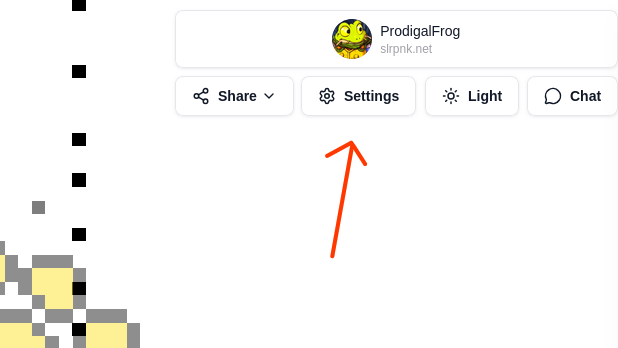
Be sure that your template’s opacity is set to 50% so you can see what pixels still need to be placed. you can adjust the template opacity by clicking the settings button below your username at the top right:
For those unfamiliar with what the Canvas event is, refer to our previous planning thread here.
How do I join? - At the login on Canvas, use your existing Lemmy username (in my case, it would be ProdigalFrog@slrpnk.net), which will prompt the website to send you a message to your Lemmy inbox with a code. Use that code along with your Lemmy username to log into the Canvas site so you can begin placing pixels.
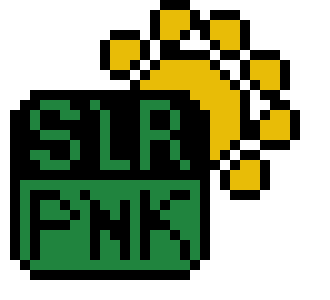
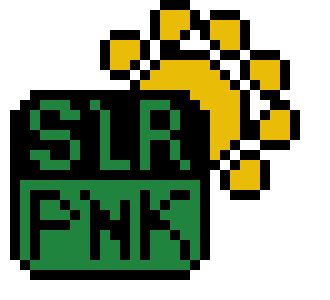
What will we be drawing on the Canvas? - We’re going attempt to draw two different images, one of a stylized SLRPNK logo:
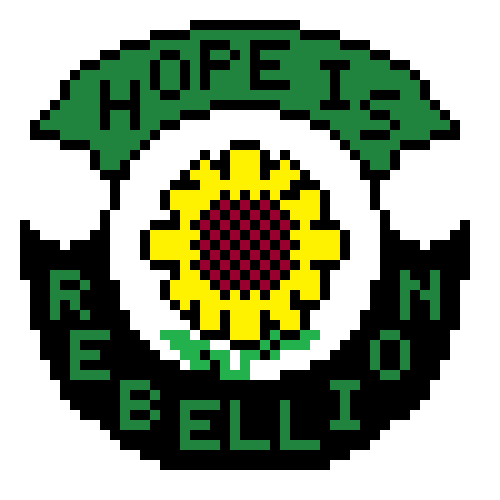
As well as this image submitted by Terradragon:
Where will we be drawing them on the Canvas? - The Furry artwork team, part of which is comprised of the Pawb.social lemmy instance, has agreed to let us create our artworks near them. You can see where we ours is planned to be in relation to theirs on this preview template map (look toward the bottom left corner): https://chocolatecakecodes.goip.de/cotemplate/ui/template/20260520-Canvas26_main
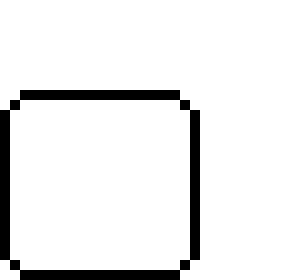
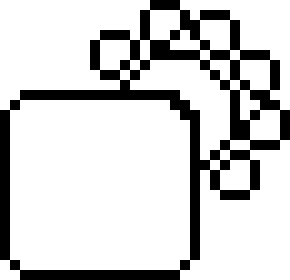
How do we begin drawing the artwork? - It’ll be best to begin with the outlines of each artwork, as that will help both stake our claim, and help us ensure the overall dimensions are right before we begin filling it in with the details.
I’ve created a set of instructions on what order to create each artwork in, progressing in 20% increments. Click each one below to expand it:
SLRPNK Logo 20% Steps
20%
40%
60%
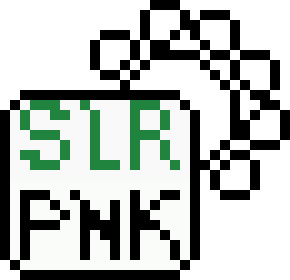
80%
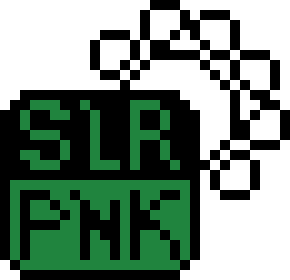
100%
Hope is Rebellion 20% Steps
20%
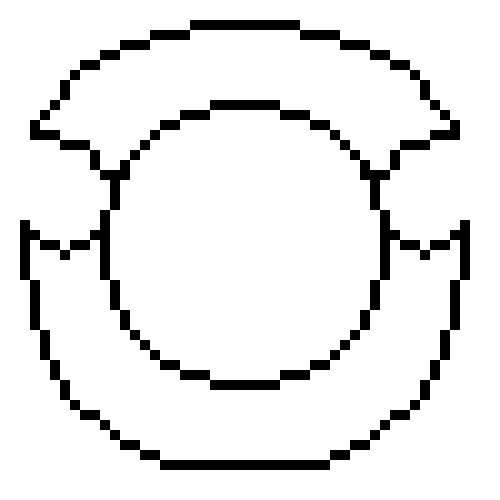
40%
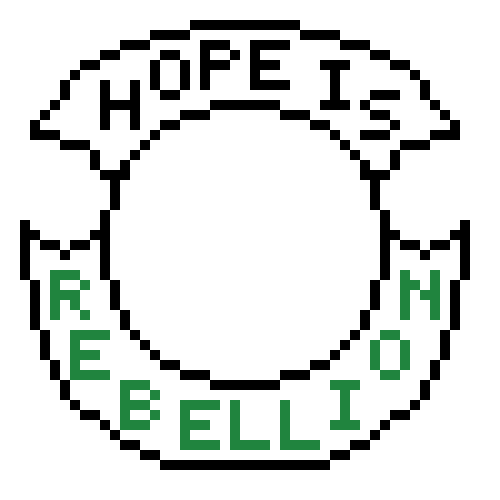
60%
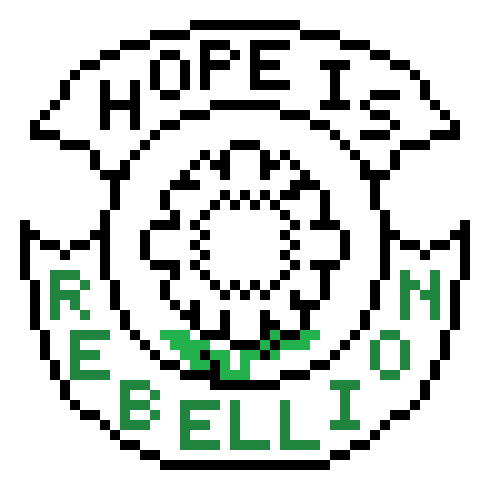
80%
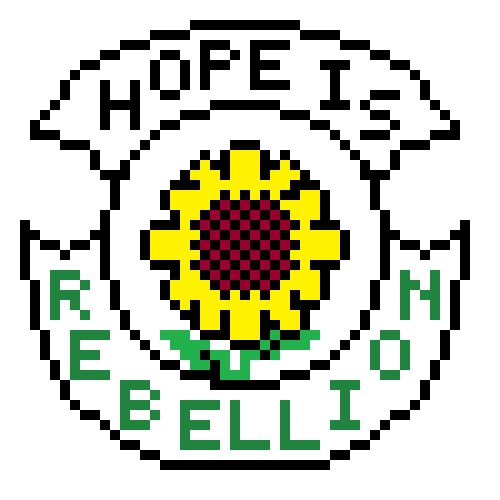
100%
Yes, same effect. I’ll just ignore it for now :D As long as everyone else says it’s looking nice I’m fine with it. Just wanted to make sure I’m not missing something