I was always particularly fond of windows turning my laptop on, running updates, and then going into hibernation, which then caused a blue screen trying to come out of it.
The laptop had sleep and hibernation disabled, all of the wake-on-events and automatic updates were disabled as well. (It was an older cranky thing and deserved rest - or to be taken out back and shot.)
Yet, somehow it always turned on for update day, even after I blocked it from the internet via the router.
(It was an older cranky thing and deserved rest - or to be taken out back and shot.)
Or gifted something like GNU+Linux, BSD, OpenSolaris, 9base, GNU+Ironclad, GNU(+Hurd), KolibriOS, etc, and given a new lease of life for another decade or two, and unlikely to ever suffer like it suffered under windows ever again…
No operating system will change your ancient laptop’s CPU to a more powerful and efficient one though. It’ll feel snappier to use because there are fewer background processes, but it won’t really be fast. Browsers will still be slow, so will code compilation, etc.
I enjoy the backpack detection mode they have on laptops to make sure it turns on, overheats, and drains the battery anytime you take it somewhere you’ll want to use it unplugged.
“shutdown” is a noun. I was on vacation because the company was in shutdown.
“shut down” is the compound verb you wanted.
I would argue executables can be verbified.
I can
grepa file. Why can’t ishutdown?Because grep isn’t a word? And since when do machines set the tone for human activity? Lights turn on, do you turn on in the morning?
🥴 I would 4 u bb
Grammar checking a wojack meme?
Username checks out.
Username checks out.
must… not… bite…
I get annoyed when a stop job shows up and I have to wait a minute. On my windows machines, that minute is the baseline and I half expect it to have decided to update and reboot itself again after. The difference is night and day
systemctl invariably hangs on waitimg for some job to finish.
systemd-shutdown-inhibitoris hideous.poweroff -ffThis might sound crazy, but you don’t have to shutdown your computer every time you’re done using it. You can just lock the screen and walk away.
If you’re on a laptop, you often can’t do that and those updates waste precious battery life.
There’s sleep.
Last time I did update on my laptop, I had 40 days of uptime.Has anyone found a way to finagle better battery life on Linux laptops? One of my few Linux complaints is that…
There’s powertop, but last time I’ve seriously tried using it was years ago. My laptop is >10 years old anyway (I’ve owned it for about half of that) and I almost always use it at home on AC power, the battery is probably geriatric anyway …
Lock the screen? Pshh… I set mine up where after 15 minutes of inactivity the screen shuts off. that’s it. i’ll restart if the update tells me to.
Screen off after 15 mins? Pshh… I ride
xset s off ; xset -dpms ; xset s noblank. I’ll restart if things get crashy from me not restarting after an upgrade upgrades any of my currently running singletons (e.g. kernel, init, x11).
[** ] A stop job is running for Session c1 of User gdm (49s / 1min 30s)`[** ] A stop job is running for Session c1 of User gdm (4min 19s / 1min 30s)`
You read my mind
Reminds of a couple [(brilliantly delivered, poignant)] lines from the movie Sphere.
“I hope it doesn’t have any feelings.”
“What happens when he gets upset?”
[Thanks LLM on a websearch for helping remember it was from the Sphere, not 2001, lol… different similar(ish) lines in that. ~ Wait, why am I thanking the LLM? … Does this speak to how gratitude’s good… Or in expressing this gratitude, does it suggest I suspect, on some level, perhaps subconsciously, that the LLM has feelings!?!! Oh well at least we’re not putting LLMs into our local computers that we shutdown. …]
Windows + R cmd [enter] Shutdown -r -s -t 0 [enter]
I don’t know how but a windows 7 machine I’ve recently had to use still got an update before shutting down…
Is there a “How to Linux” somewhere? I’d really like to get beyond using my CachyOS system as gui user, hell even some of the gui stuff is so alien. Felt like a lesser god when I found the repo… But terminal commands are just beyond me
Check out “Linux survival” if you’re old school, LabEx if you like experiential learning more, and less explanation. Both offer exercises, both are free, but Labex has a few restrictions for free accounts, and offers a paid tier at like 9 bucks a month. And ofc you don’t have to use the terminal irl, it’s just easier after getting used to it. Most things have a GUI program equivalent, you just have to seek it out. Most of the time.
Edit: And also, Linux Mint and a few others are often recommended to new users for being both similarish to windows and approachable with GUI.
Nothing wrong with GUI but yeah there are a lot of resources. I don’t know if I can point you to any because I usually just web search the command for the thing I want to do and add it to a long running note of Linux commands
This helped me quite a lot. You don’t have to use arcolinux either, it’s simply a guide.
https://www.arcolinux.info/learning-path/
edit i haven’t used that link in awhile and i’m not sure it’s the same experience anymore, some things appear to be missing. if unsure about any step, you can skip it usually. it’s more of a list of things to learn.
No starch press has many such books.
“How Linux Works”, “The Linux Command Line” is the one I’ve (partially) read.
There’s also Linux From Scratch or maybe just try Arch without the install script if you have spare ssd to boot.
I’ve found that just selhosting shit will hit some inevitable roadblock, so it tend to end up making you read a whole bunch of documentation and at many points you will encounter new incantations which you also need the docs if you curious enough
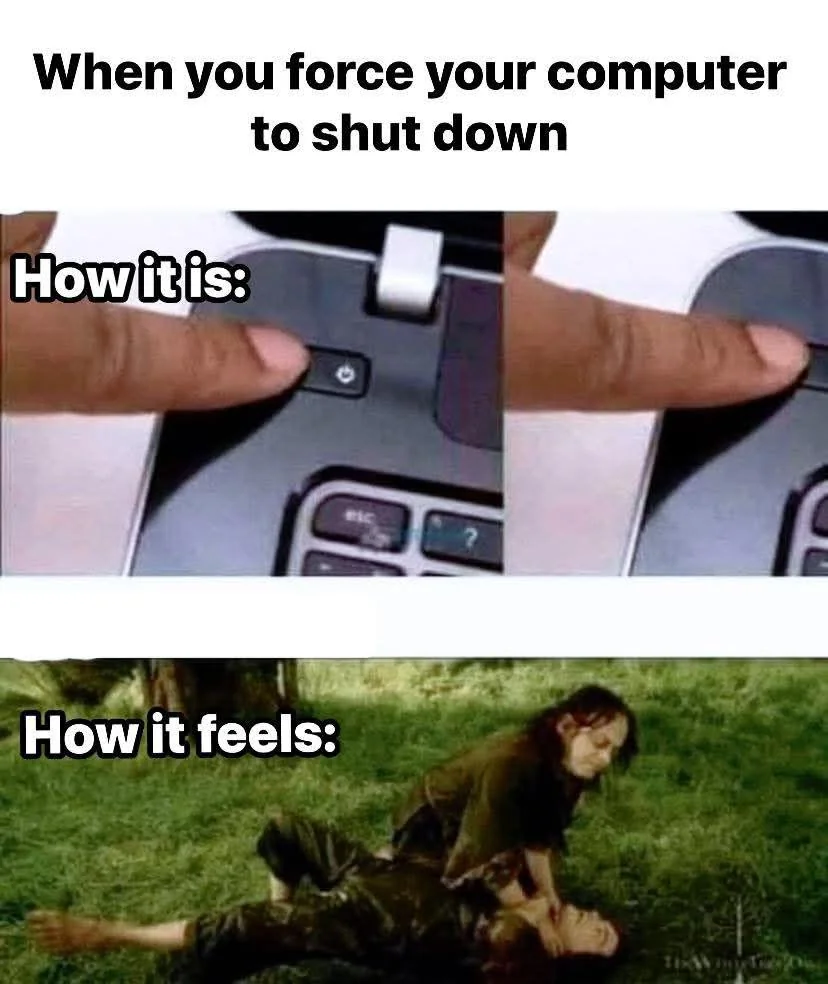
Last time this happened to me (read: yesterday) i ended up holding down the power button.
You dont want to shut down when i ask i will make you.
Windows 10 has had a bug for about 3 years now. Where if you choose “install update and shutdown” and instead it reboots.
Windows 11. We installed a printer driver and unchecked “Restart my computer now”. It attempted to restart anyway, with Windows offering to either close all programs and restart, or cancel. I clicked cancel. It restarted anyway. Nothing was lost, but still… 🤦
I thought I’d seen news that that had finally been acknowledged and fixed, or did they only fix it for 11 or something?
Just updated last week and didn’t shut down. I also read somewhere it was fixed months ago
Big fan of hibernate (
systemctl hibernateon systemd systems, and you need a swap file that’s at least as big as your RAM). Sure I wait some time until it’s shut down and booting takes longer, too, but not having to reopen all those terminal and editor windows I’m accumulating while working is worth it.It’s even worse, when I tell my work Windows 11 computer to shut down and I have to choose update and shutdown because it decided to do updates, sometimes it reboots a few times but then it doesn’t turn off afterwards.
I’m never going to install Windows 11 on any of my devices, it’s so bad.
Or my old windows 10 machine would wake itself up in the middle of the night to run updates that the group policy wouldn’t even allow it to download without my permission and then just sit there. If I hadn’t fallen asleep yet, I’d notice the monitor light up the next room and get up swearing at Microsoft until I tracked down where the wakeup timer was set and disabled it. Only to find it re-enabled after some updates.
Fuck Microsoft.
It’s fun when your laptop decides to do this kind of nonsense from inside your laptop bag, smothering itself in its own heat.
Makes me wonder how many laptops seemed to randomly get bricked because it tried to update but then ran out of battery in the middle of it but the user just sees that their laptop had no battery left and then won’t boot properly after that, never realizing it decided to update itself.
I have a solution for this inside on my work computer. I put it on a Shelly plug. I tell homeassistant to power that on before my shift starts. When I shut down the computer at the end of my shift, the plug sees the drop in current draw and powers off that outlet.
The windows pc doesn’t even get power unless I want it to. It can starve.
I bought a new mini PC the other day that shipped with windows 11. Before installing Linux I thought “I’ll just boot into windows to make sure the hardware is all correct”.
I got as far as the windows welcome screen and thought “it’s actually just going to be faster and easier to install Debian instead of going through all this windows bullshit”
I got a new Mini a month ago. Before I even powered it up, I stabbed a USB stick into it, hit escape on boot, and killed that bitch with Kinonite.
There are two things a person needs to do when starting up a fresh new computer: First, you must bathe in the purifying waters of Lake Minnetonka, and never, ever let Windows have even a single chance to live.
Rip the power cord out of the wall