(Images are hosted on catbox.moe with a total size of 1.9MiB - your data plan will be fine)
Following Android docs, unlocking a bootloader should be as simple as enabling that option in developer settings, and issuing fastboot flashing unlock command in the bootloader.
But not all manufacturers like that.
So, here’s the fuckery I went through.
Obtaining Mi Unlock tool
That one comes from here: https://en.miui.com/unlock/download_en.html
Which also links to these steps: https://new.c.mi.com/global/post/101245
First run
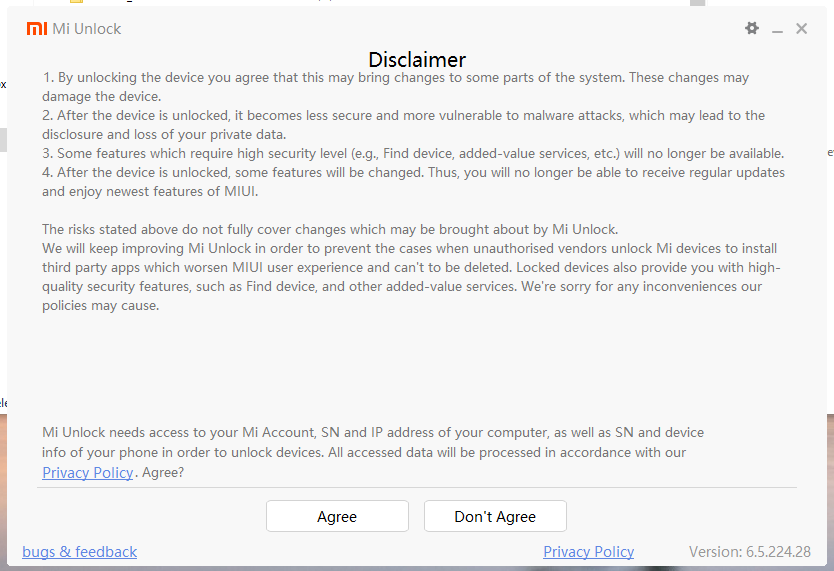
And we need an account.
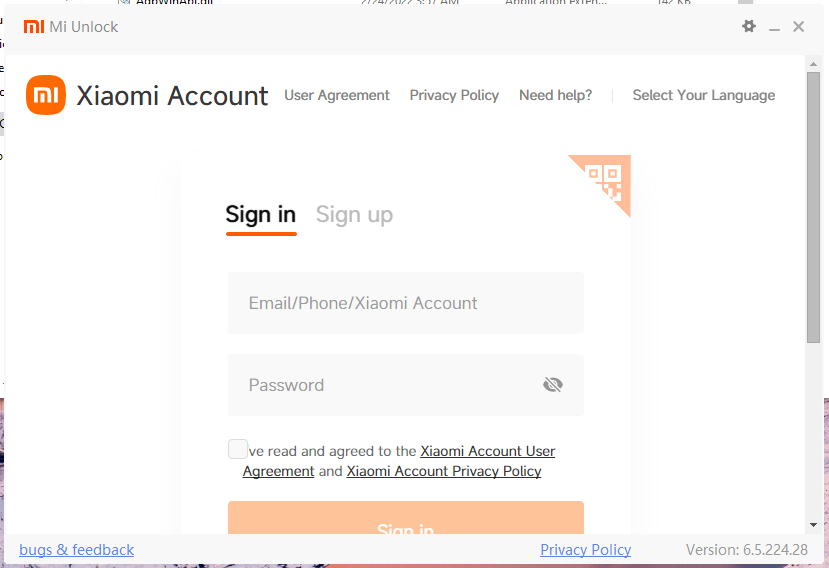
Account creation
Since I’ll need it on the phone as well, I decided to create the account from there.
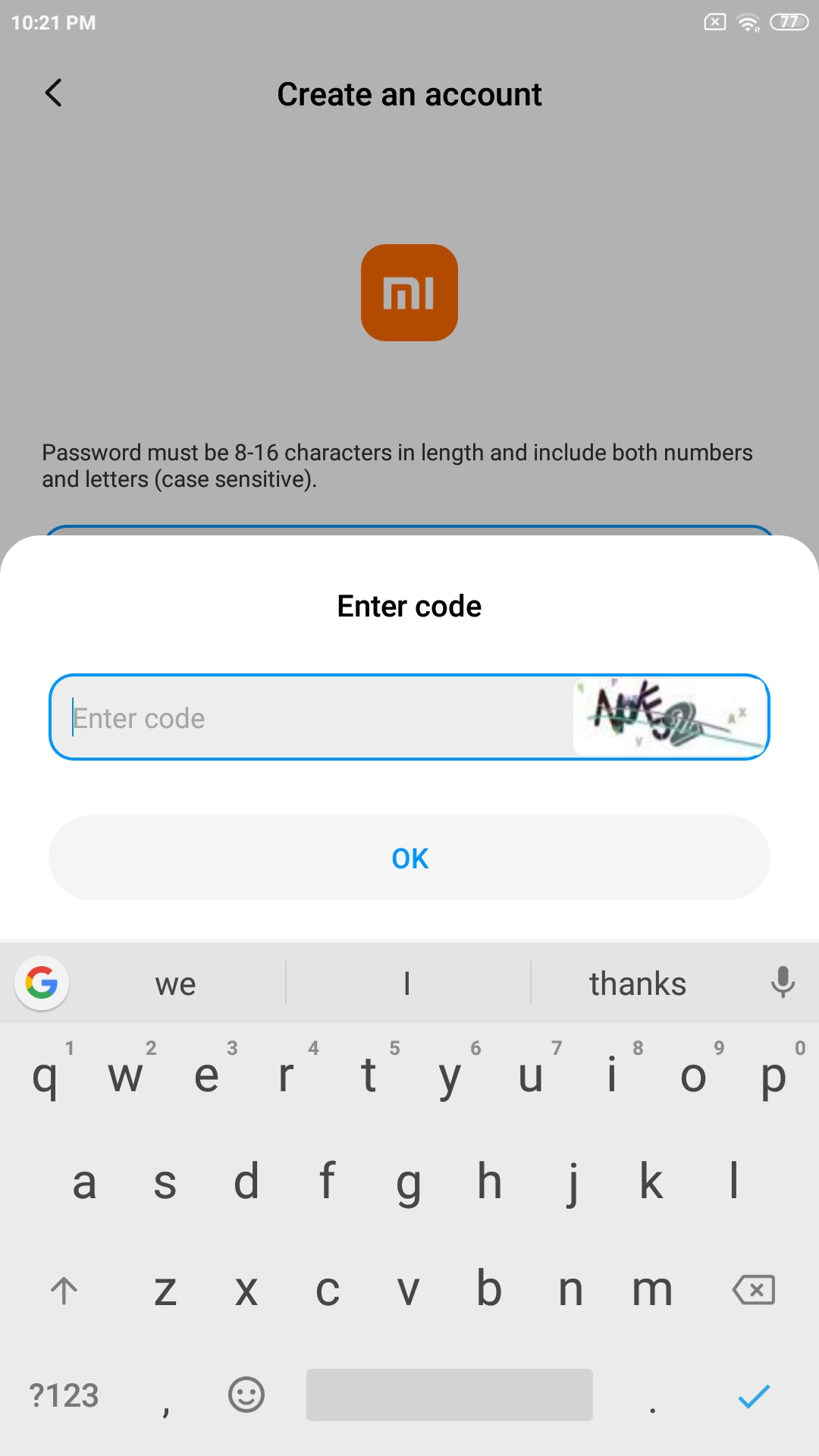
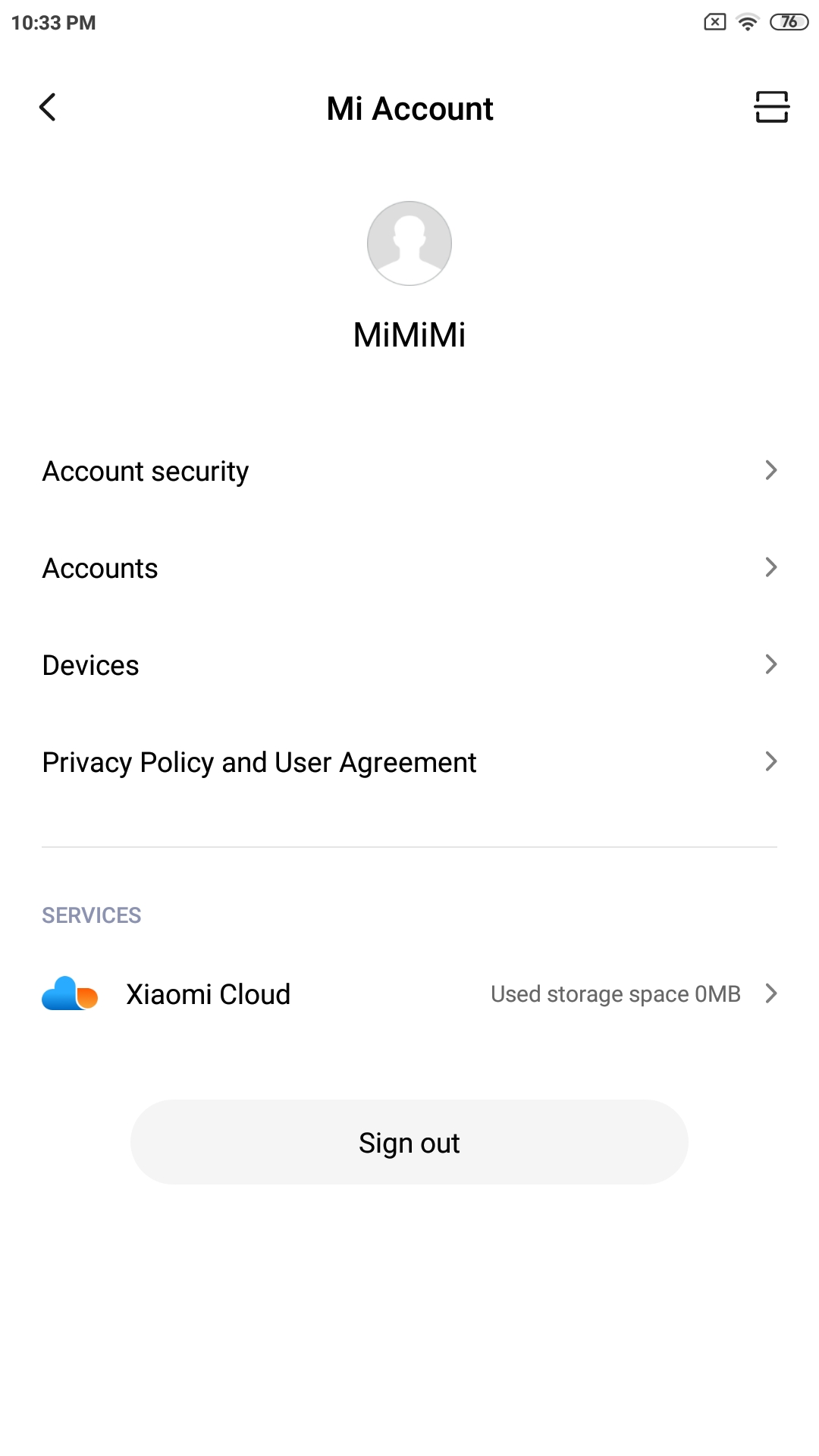
I’ve used e-mail + password for sign-up.
There was also a confirmation e-mail sent to me, nothing special so far.
Logging into Mi Unlock - First roadblock
After entering e-mail + password, it fucks up with a blank verification page.
This was also reported by someone on XDA, with a solution to update.
Mi Unlock updaten’t
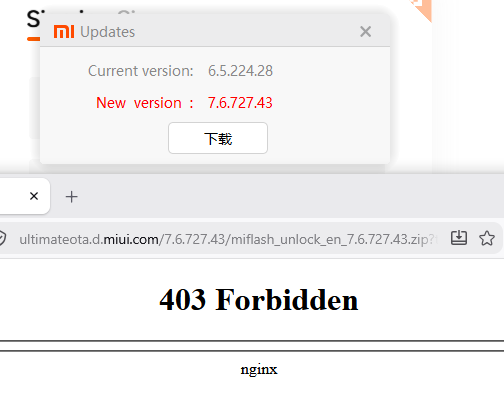
I’ve tried both with and without a VPN, no luck. Some people reported the same issue when I searched around.
Workaround - QR code login from phone app
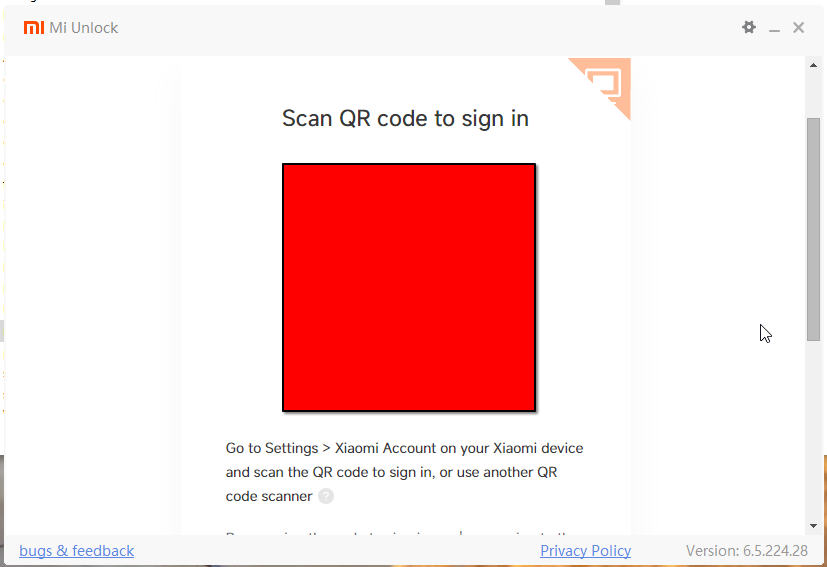
Of course, this needs more private data - a phone number, because why not?
And of course, it also does not fucking work.
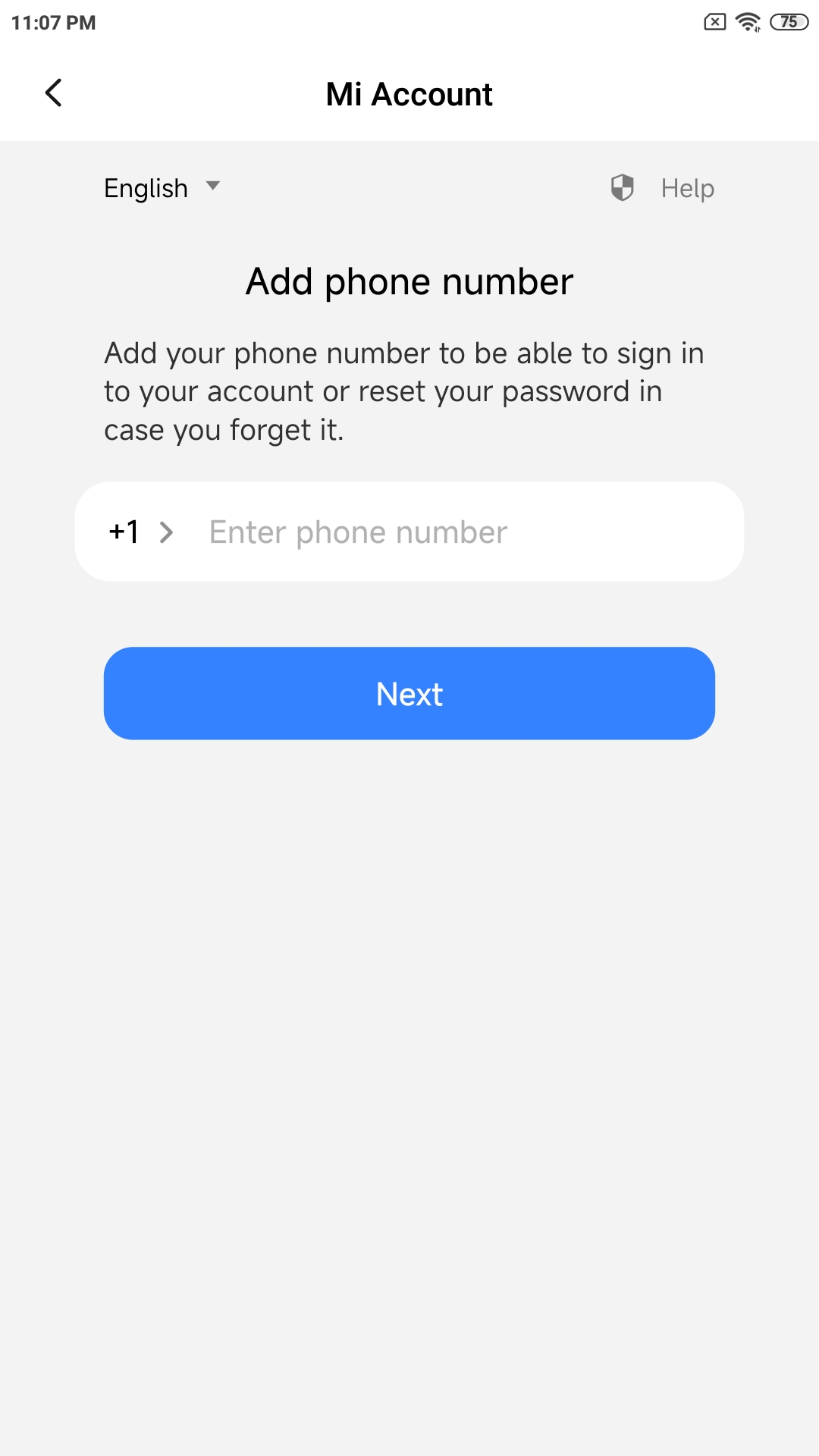
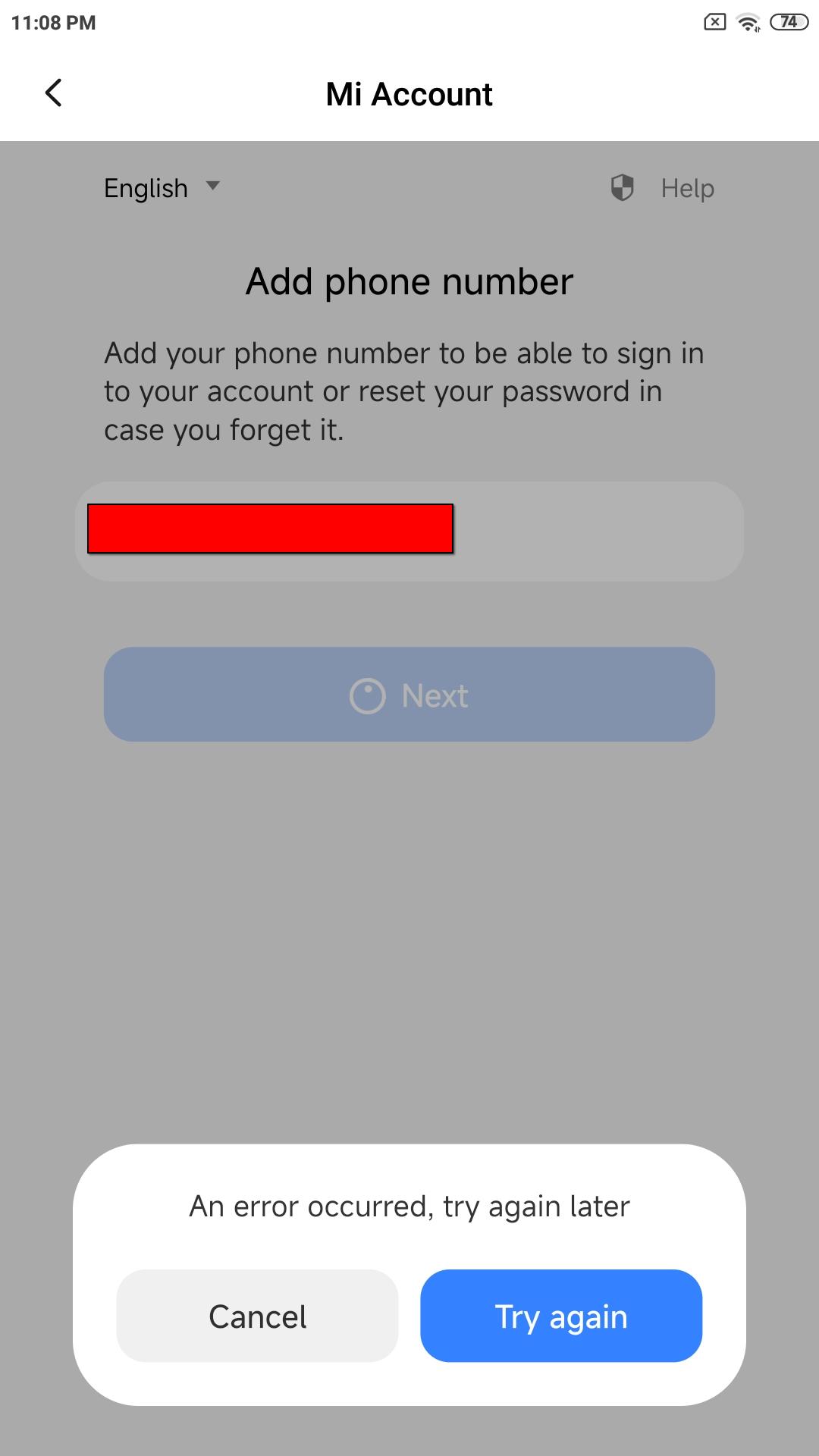
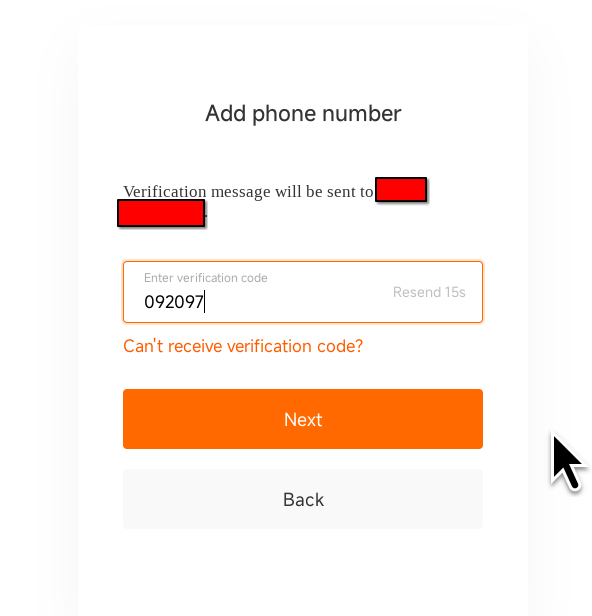
Entering phone number in browser
This worked. But the phone app still didn’t like me.
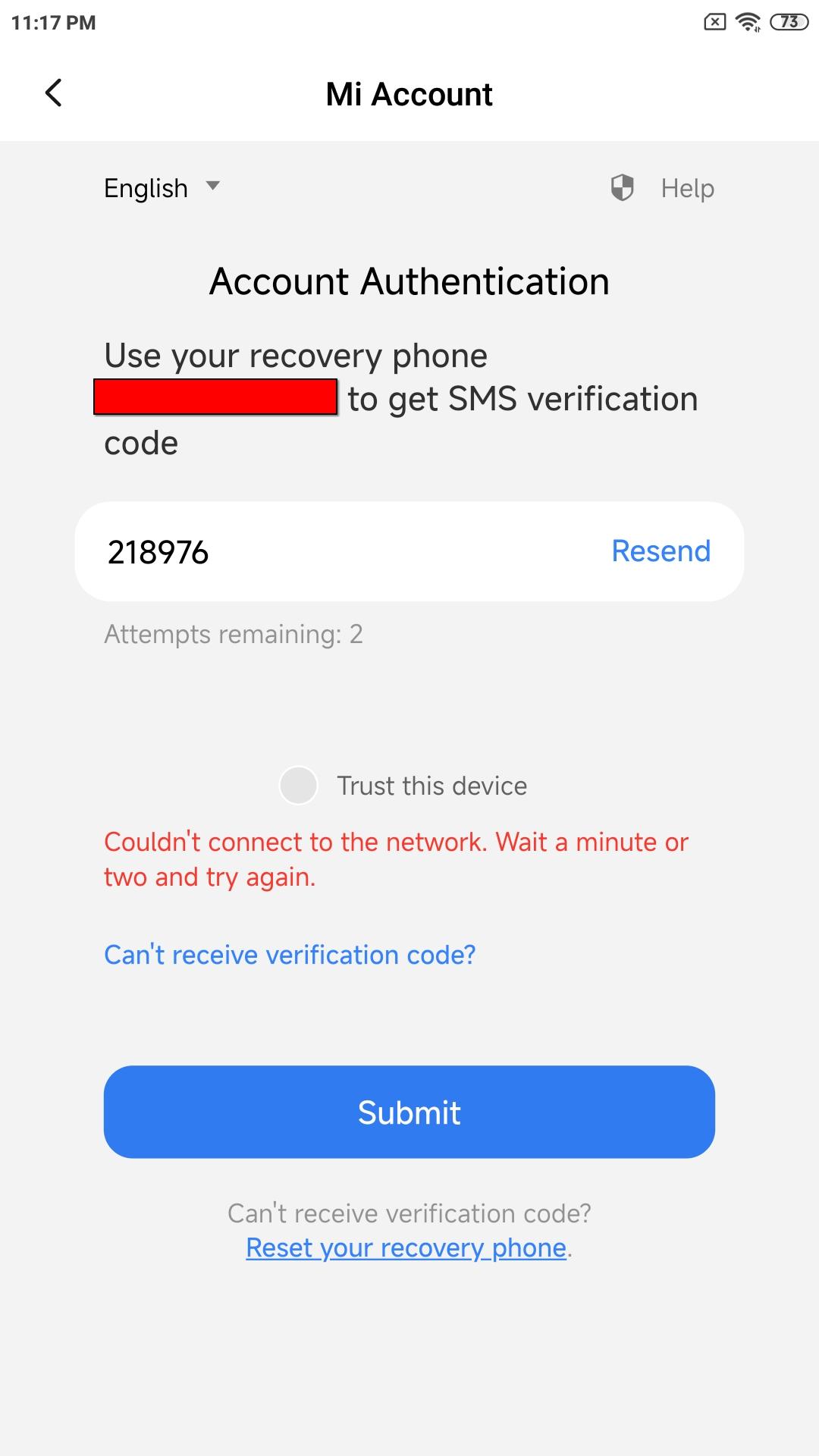
Do notice the “attempts remaining”, this will be important later.
Workaround - QR code: Electric Boogaloo
The QR code actually contains a URL, so let’s open it in a browser.
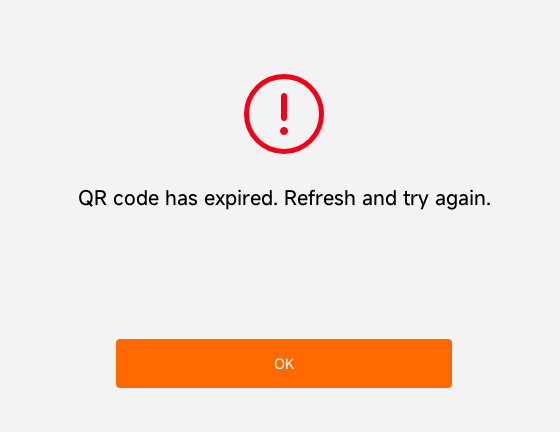
Well, fuck. Let’s do that again.
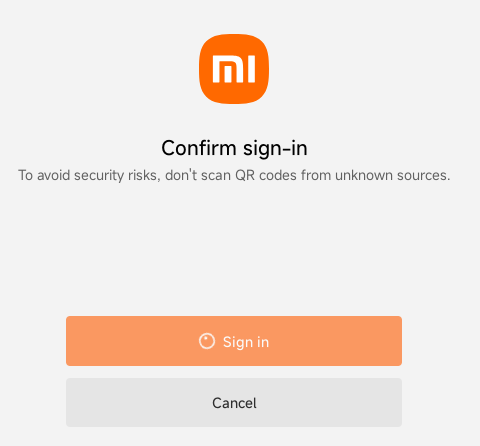
And we are in.
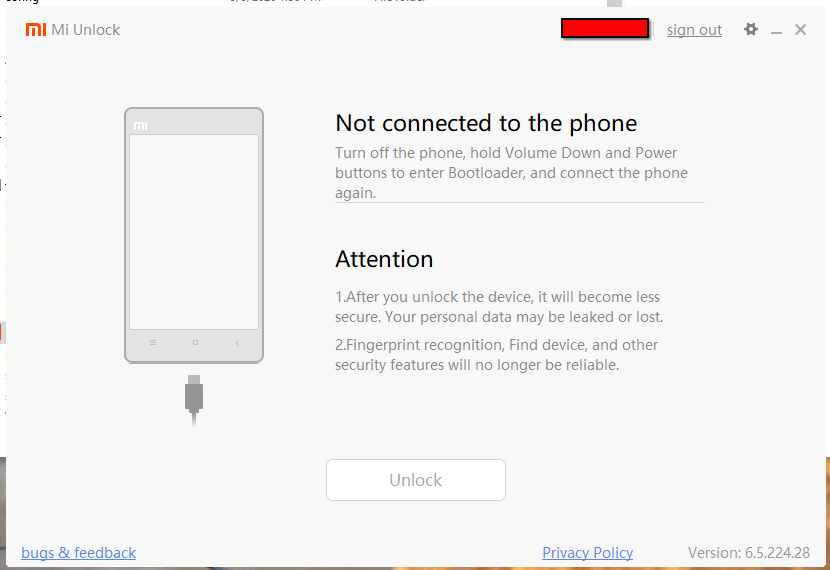
Binding phone to Mi Account - More data collection
I thought the problem above (gray unlock button) was the phone not yet being “binded” to the account, so I skipped to this step.
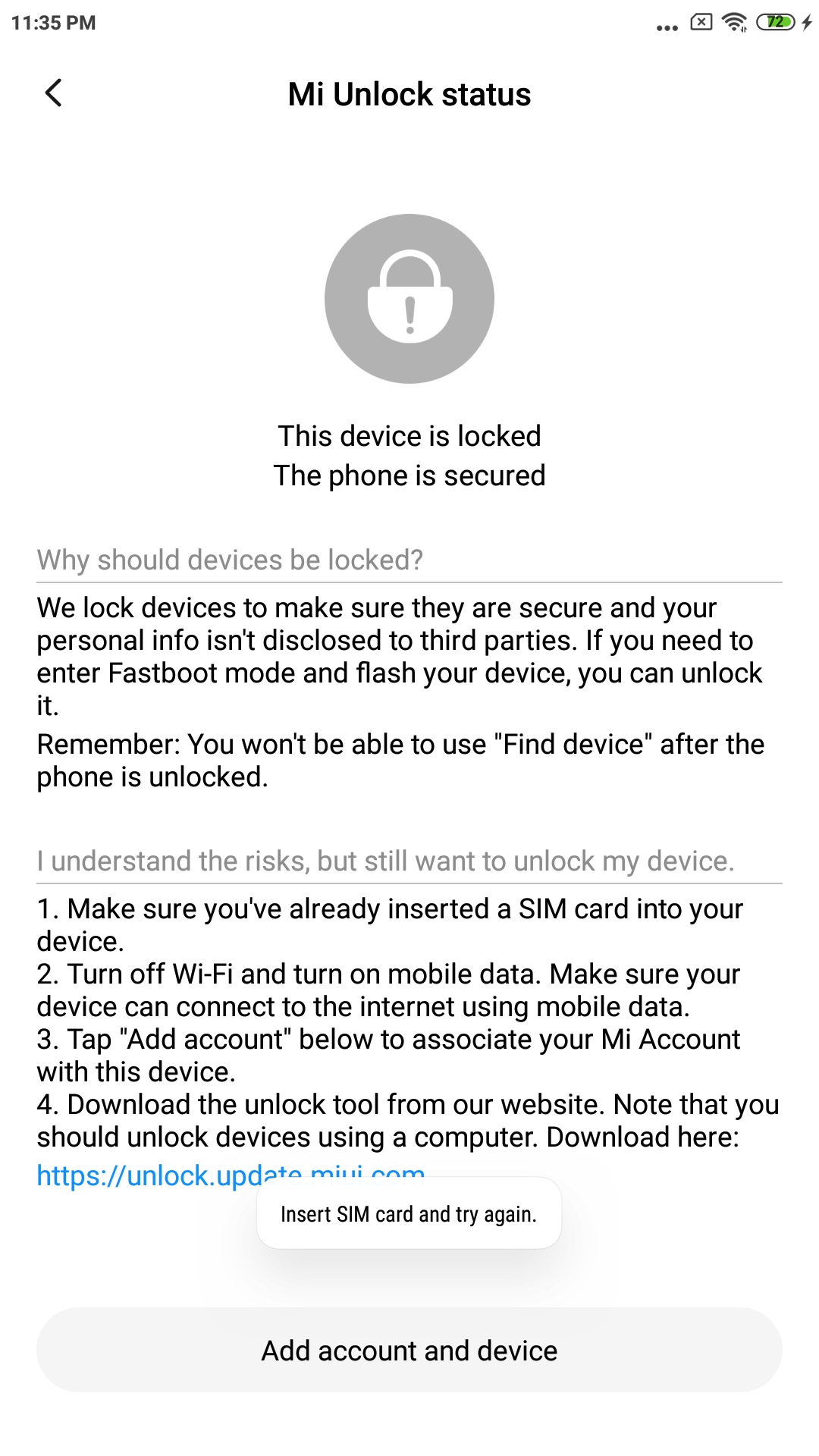
So I inserted a SIM card, but they didn’t lie. It really requires mobile data. I even tried Bluetooth network as someone else suggested.

This was a bit of a problem as I used a burner SIM with no data.
Random data eSIM on removable eUICC (9esim V3) was able to help with this.
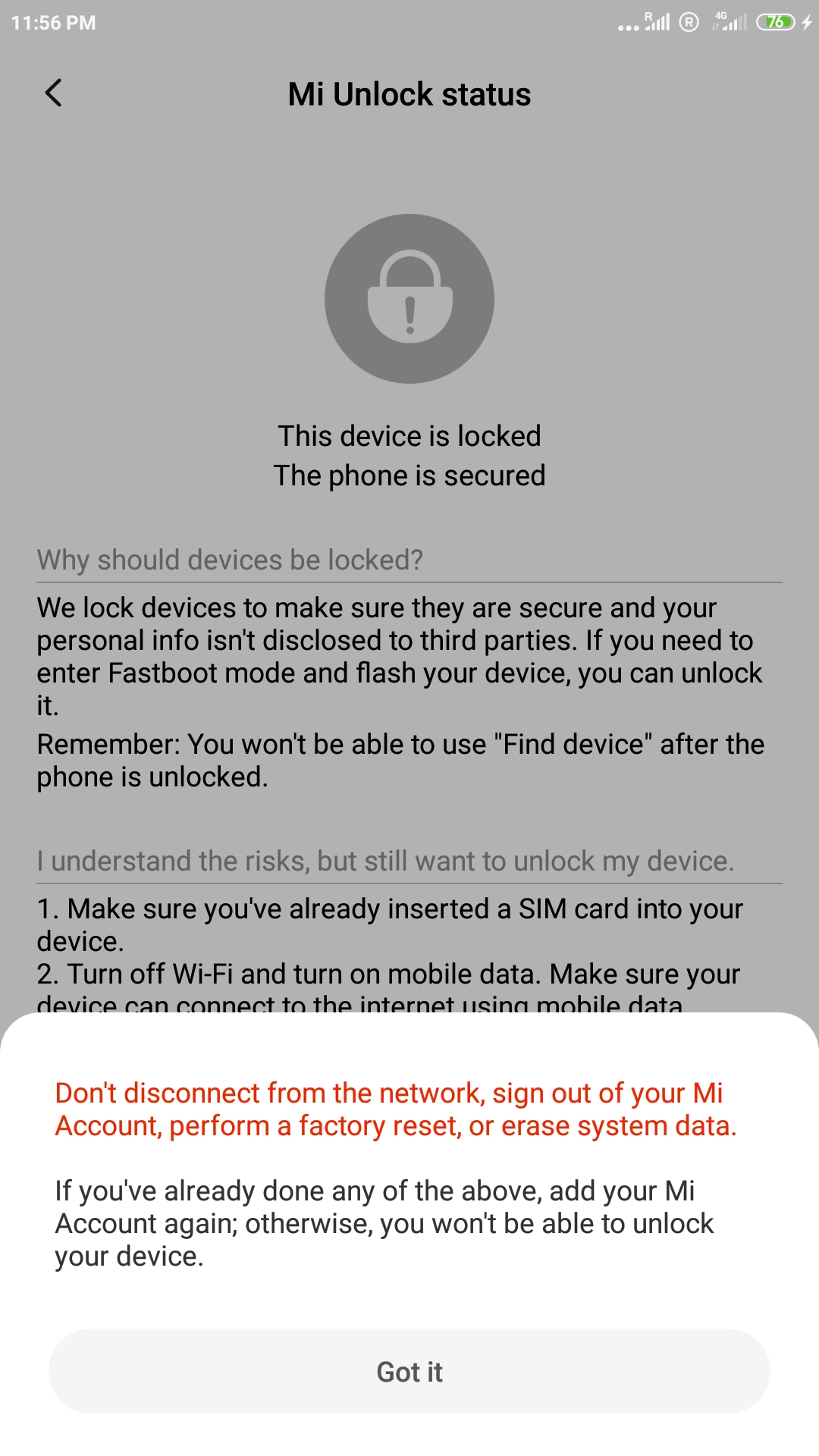
Back to Mi Unlock - SMS rate limit
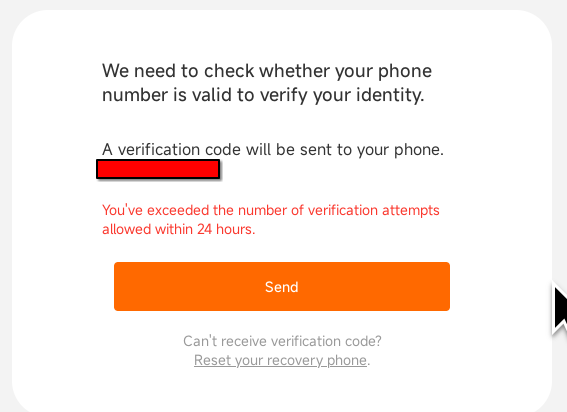
It seems there’s a limit of 3 SMS codes per 24 hours outside of China.

Back the next day - Episode: Windows drivers
The Mi Unlock tool should include the USB drivers, but something’s fucked up there.
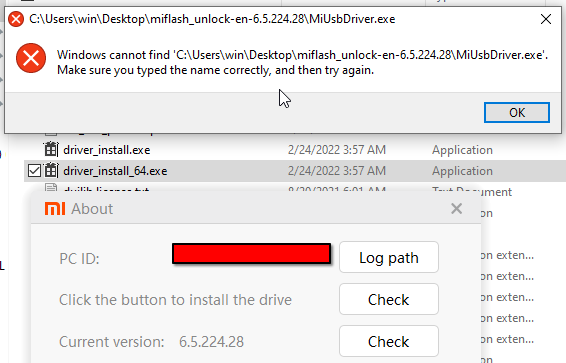
Someone on XDA mentioned one of the 2 driver files can be renamed to the required filename, because let’s ship a broken tool.
So I did that: 
This now shown Windows installation prompt.
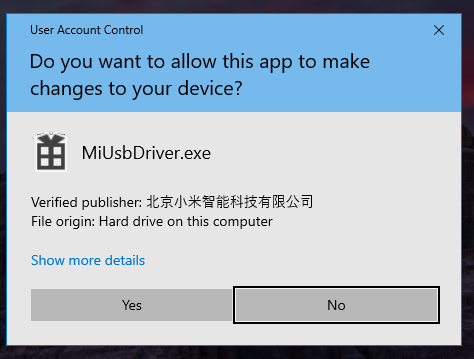
But why yes, it did not work.
So, I downloaded the drivers from Google, and tried following their instructions.
So that did it, right? Nah. Windows wouldn’t find the driver.
The solution was following someone’s Reddit comment.
Choose the option that says ‘Let me pick from a list of available drivers on my computer’, then browse to and select the file named android_winusb.inf. From there, you’ll be able to choose ‘Android Bootloader Interface’ to install.
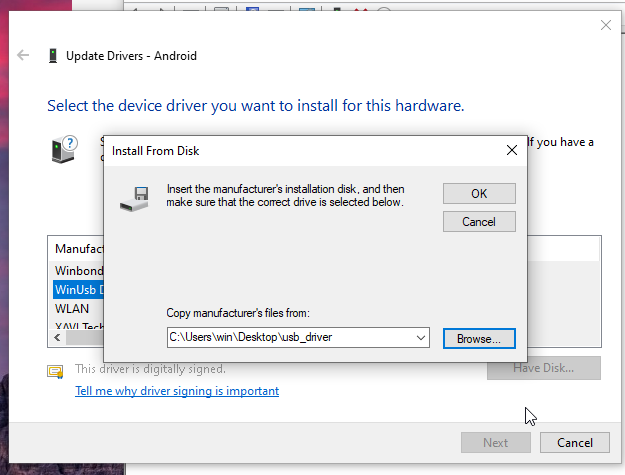
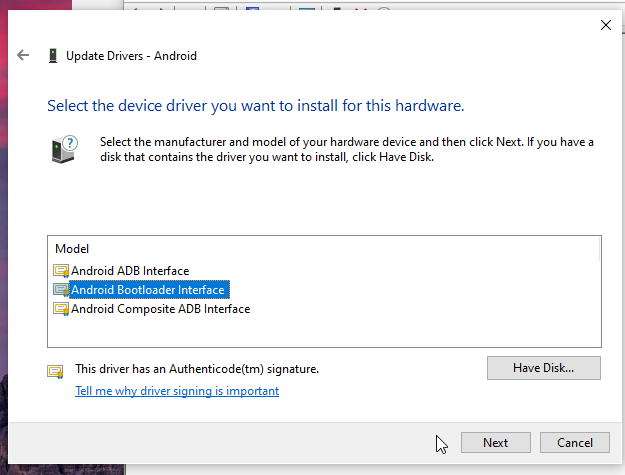
For comparison, on something like Arch Linux, this is a matter of extremely hard and time-consuming sudo pacman -Sy android-tools. /s
Reaching the fruit
The device is finally recognized.
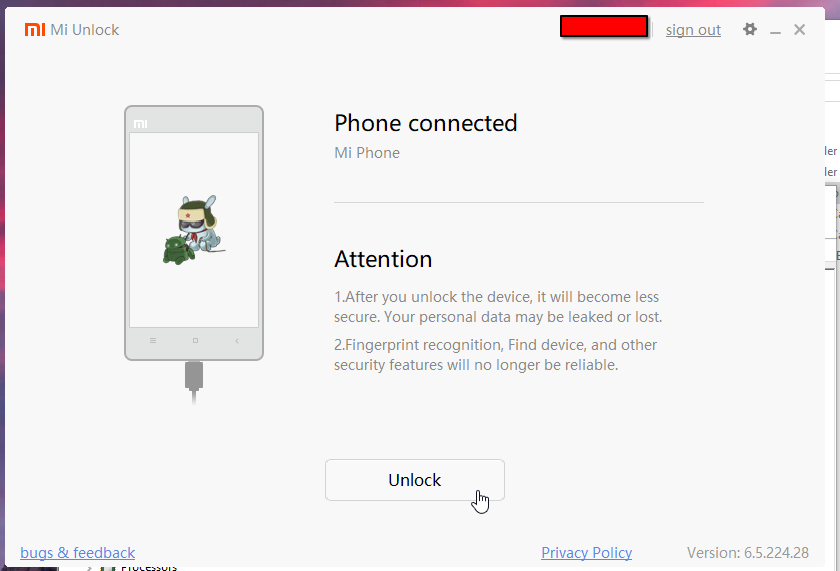
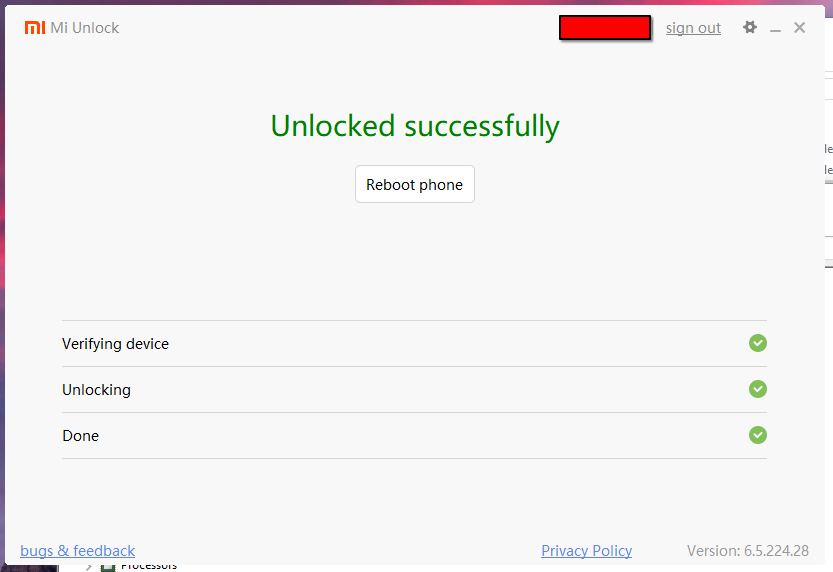
And there we go.
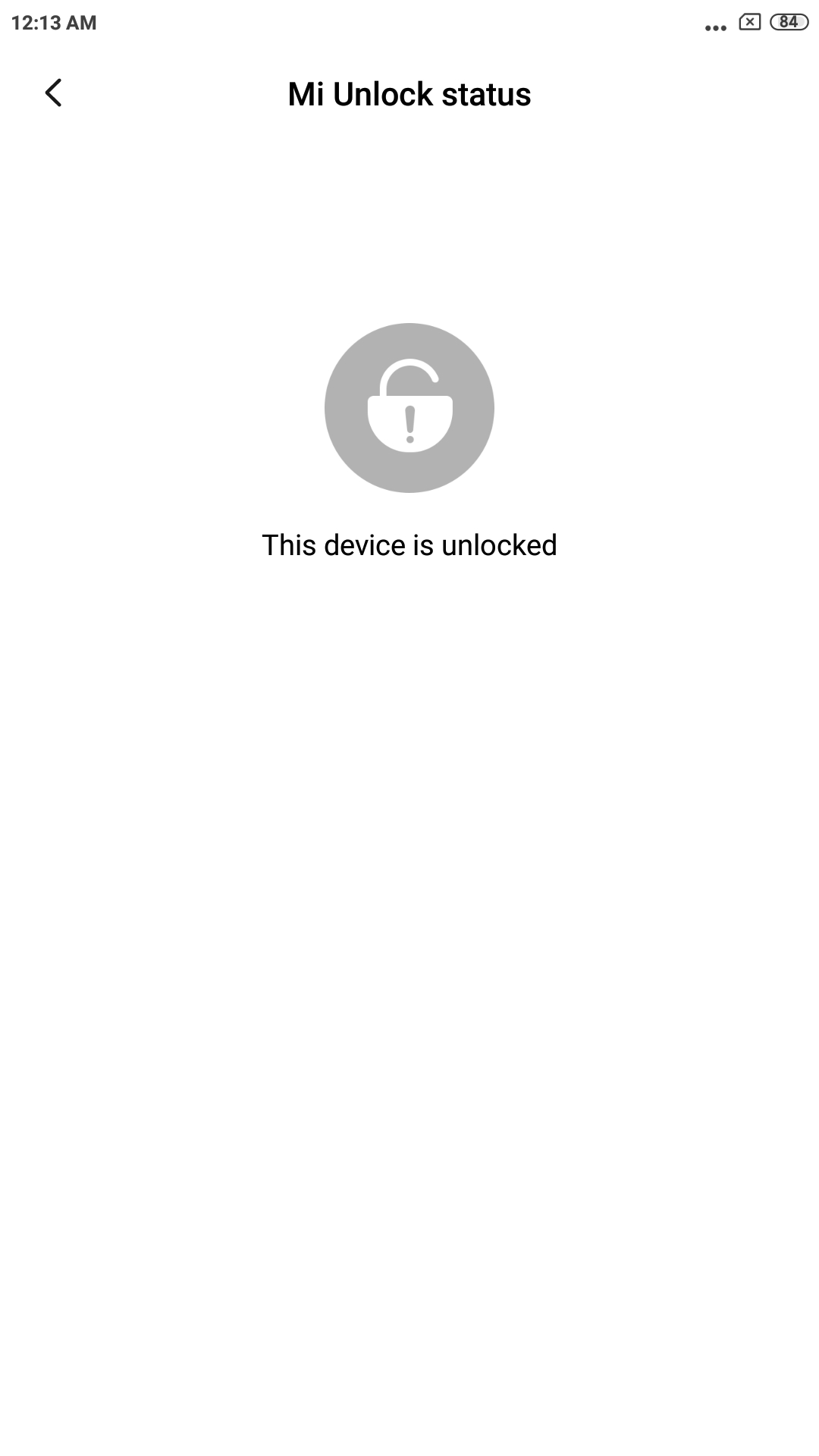
And the final step:
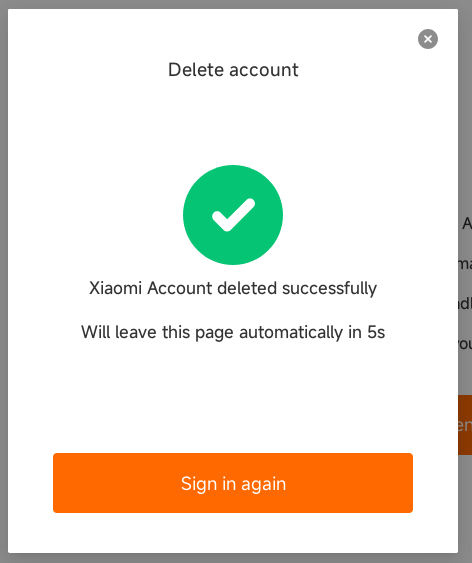
I’m surprised they didn’t require you to wait a couple of days for the unlock
I had a similar experience when I unlokckdd my poco x3 three years ago. Besides all this crap you went through I also didn’t have a windows machine so I had to dig for a Linux solution, unofficial obviously. I bought a Motorola phone last month and I’m really hoping they have a lineage port to it ASAP. Can’t stand the way android got enshitified
I’ve used a Windows VM with USB passthrough.
Don’t buy Xiaomi.
It was €12 used ¯\_(ツ)_/¯
reading that warning above, could it be it would have disallowed unlocking if a former owner added their Mi account?
Which one?
the 3rd image after “Binding phone to Mi Account - More data collection”
Motorola has an easier process but you still need to make an account and use an online tool that could go away anytime in the future
It’s been a few years now that Xiaomi must be avoided for these reasons. Your are even lucky that your phone can be unlocked at all, since all latest models are not unlockable full stop.
I purchased a Nothing phone and couldn’t be happier. De bloated android stock, and fully offline unlockable bootloader, no phone home required.
Thank you for sharing this journey as I’ll be taking it soon to unlock a tablet. 🫡
God that is just awful.
That’s what you get for buying a cheap device, sadly.
They really don’t want you to leave their ecosystem, I’m surprised they let you do this at all
That’s what you get for buying a cheap device, sadly.
Not always. I bought a Unihertz Titan 2 for 250€ last year and it can be easily unlocked with Fastboot. They even put the full firmware packages up on Google Drive so you can restore a bricked device with SP Flash Tools.
I used to love unlocking phones and flashing ROMs, but that era is basically over. I hate it.